
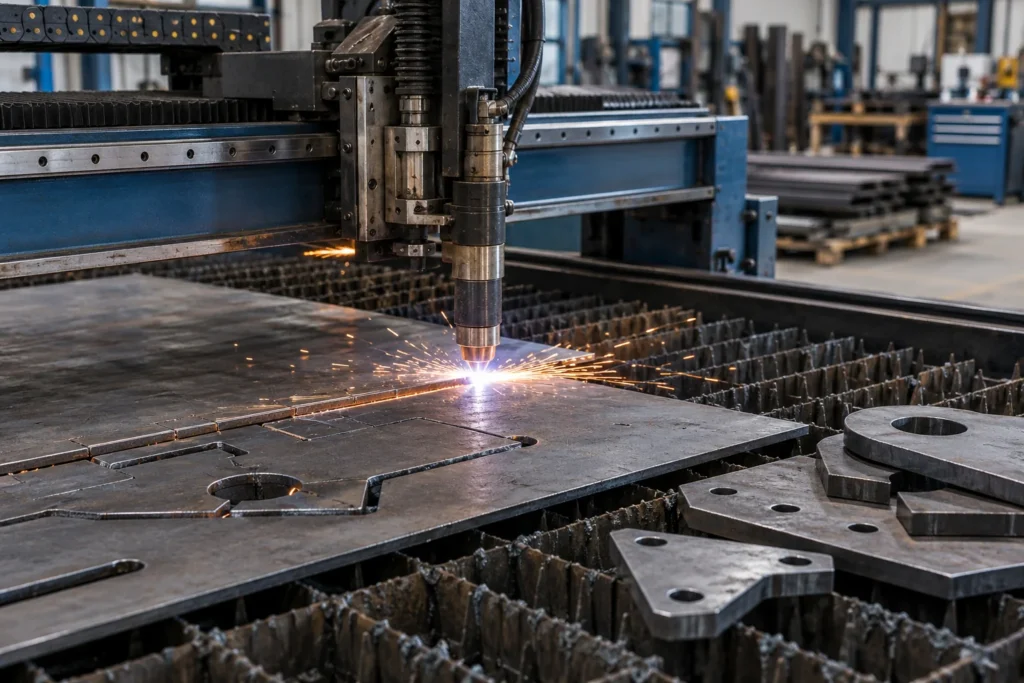
PWS / CNC Plasma Cutting
Turn your drawing or cut profile into a clearly specified plasma-cutting job.
Profile cutting from accepted drawings or files, with material, thickness, detail and cutting requirements reviewed before quotation.
What to provide
- DXF file, dimensioned drawing or hand sketch with finished dimensions and units.
- Material grade, thickness and number of parts.
- Hole sizes, detail requirements and any critical tolerances.
- Material supply, edge-finishing requirements and your preferred timeline.
How pricing is established
Drawing preparation or programming, setup, nesting, cutting time, pierces, material and thickness, quantities and any agreed finishing.
The quotation confirms the job charge and any minimum, additional operations, material, consumables or transport included.
Confirm the arrangements
PWS reviews equipment availability, accepted material, tooling, dimensions, requirements and timing before accepting the job.
After the scope and price are agreed, PWS can issue a payment link for the approved service order.
REQUEST CNC PLASMA CUTTING
Upload your DXF, drawing or dimensioned sketch.
Already have a DXF file? Upload it with the material, thickness and required quantities. No DXF yet? Draw a sketch by hand, add the dimensions and units, then upload a clear photo or scan. PWS can convert your dimensioned drawing or sketch into a DXF file for machine cutting.
Need another operation as well?
Include the full drawing or processing sequence in your request. PWS can review a combined scope rather than treating each operation as an unrelated job.
Explore processing services All PWS services