
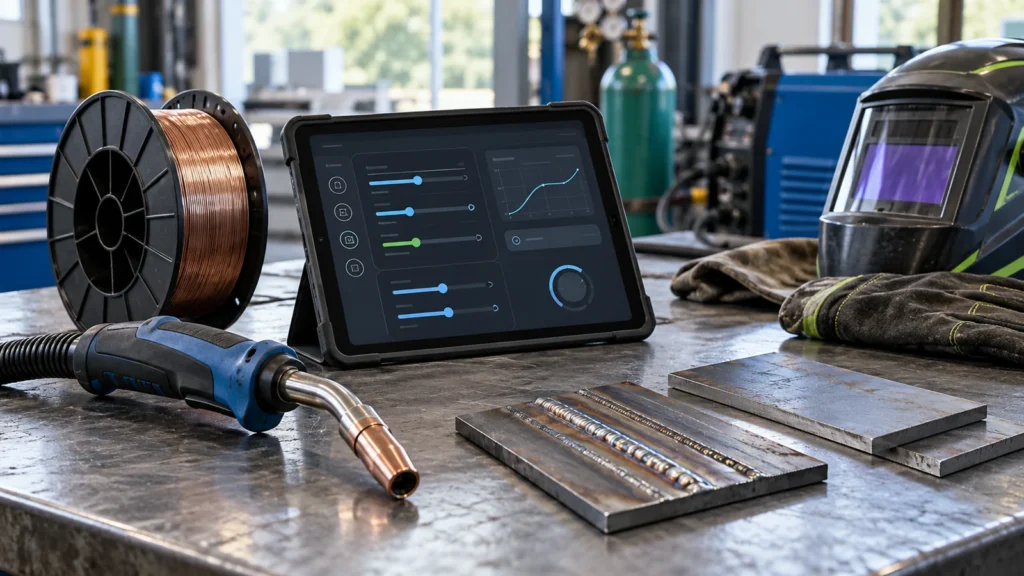
A MIG calculator can organize a starting reference, but its result only relates to the setup described by the inputs. If the wire, gas or material is different from what you selected, the number can be neatly presented and still be irrelevant to the job.
Identify the actual process
Check whether you are using a supported solid-wire GMAW setup or a different wire process. Self-shielded flux-cored wire, for example, should not be treated as solid wire with the gas field ignored. Read the tool’s supported combinations before entering the material thickness.
Miller’s MIG basics guidance identifies material, joint configuration, position, gas and wire variables as influences on welding parameters. A calculator should be read in that context.
Match the wire and shielding gas
Read the wire label and confirm its classification and diameter. Record the gas mixture actually connected to the machine. Do not select a familiar combination simply because it produces an answer in the tool.
Check units carefully when entering a wire diameter or reading wire-feed speed. Millimeters and inches describe different input scales, while meters per minute and inches per minute describe different feed-speed units. Keep the result with its unit, not as an isolated number.
Describe the joint as well as the thickness
Material thickness does not describe joint preparation, gap, orientation or fit-up. Record those details in the job notes. A starting reference for one arrangement is not evidence that a different joint will achieve the required result.
For specified or code work, the applicable welding procedure and inspection requirements remain part of the job. A general reference tool does not replace them.
Compare the result with equipment guidance
Open the PWS MIG Welding App, review its instructions and use a supported input combination. Compare the reference with the machine and consumable guidance, then evaluate an appropriate test on matching material before committing to production.
If you are considering equipment, review the multiprocess welder listing against your power supply, required processes and actual output needs. A calculator result does not establish that a particular machine supports the setup or duty cycle you need.
Keep useful trial notes
Record the material, wire, gas, joint and machine settings used, plus the observations from the test. Change inputs deliberately so you can understand what affected the result. The practical value is in a setup you can explain and review, rather than simply copying a number from a screen.
